Drawer Mode
Balls leave persistent neon lines that automatically draw geometric art as they bounce.
What Drawer Mode Does
In Drawer mode, each ball leaves a permanent glowing line behind it as it bounces. Over time those paths build up into intricate geometric drawings and patterns on the canvas — the simulation literally draws art for you. It is the format behind mesmerizing "watch it draw itself" loops.
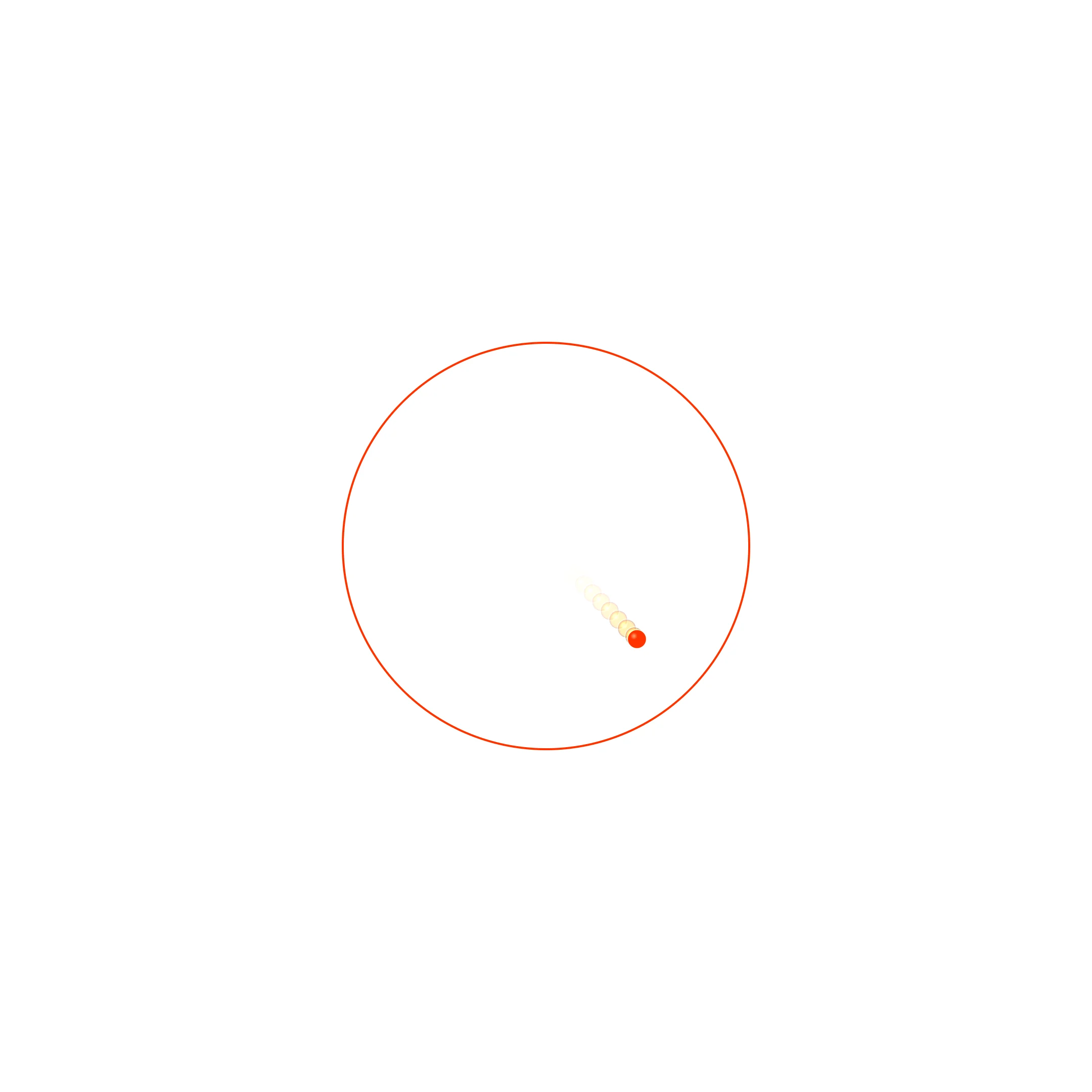
Drawer mode — the ball leaves persistent lines that draw geometric art.
Color and Symmetry
You control how the lines are colored and whether the drawing is mirrored for symmetry. Color modes range from matching the ball to rainbow, velocity-based, or a fixed hue. Symmetry modes mirror the path across one or both axes, or radially, to turn a single bouncing ball into a kaleidoscopic mandala.
- Color modes: Ball, Rainbow, Velocity, Fixed, Hue Shift
- Symmetry modes: None, Mirror X, Mirror Y, Mirror XY, Radial
- Trail thickness and persistence
- Ball count and gravity shape the emerging pattern
Designing a Pattern
Start with one or two balls so the pattern stays legible, choose Radial symmetry for a mandala or Mirror XY for a symmetric weave, and set the color mode to Hue Shift so the drawing gradually changes color as it grows. Let it run until the canvas is filled to your taste, then record the build-up from empty to full.
Lower gravity and a single ball with Radial symmetry produce the cleanest, most "designed" looking geometric art.